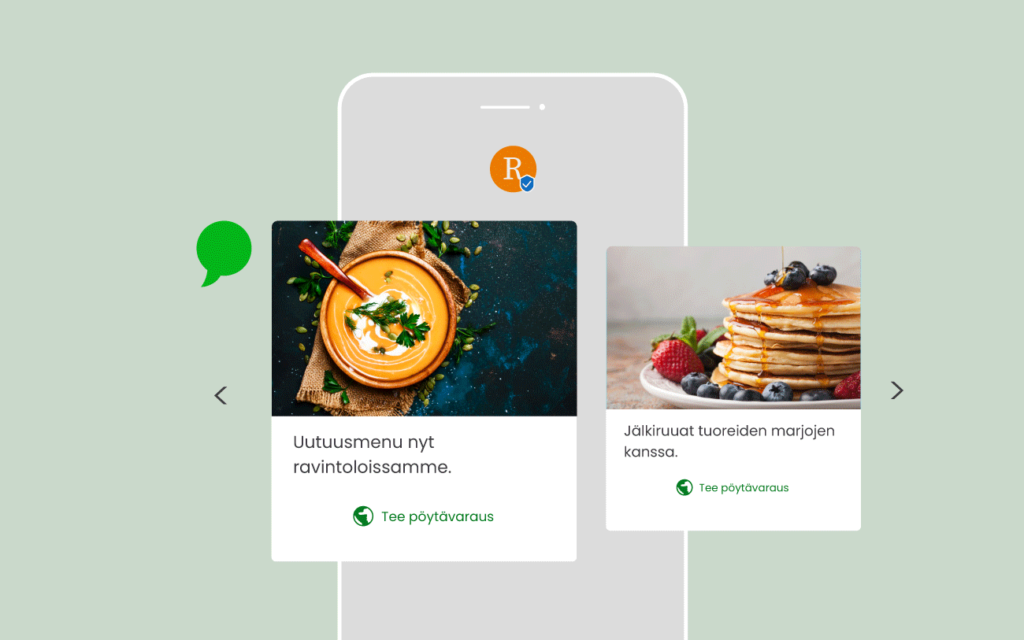
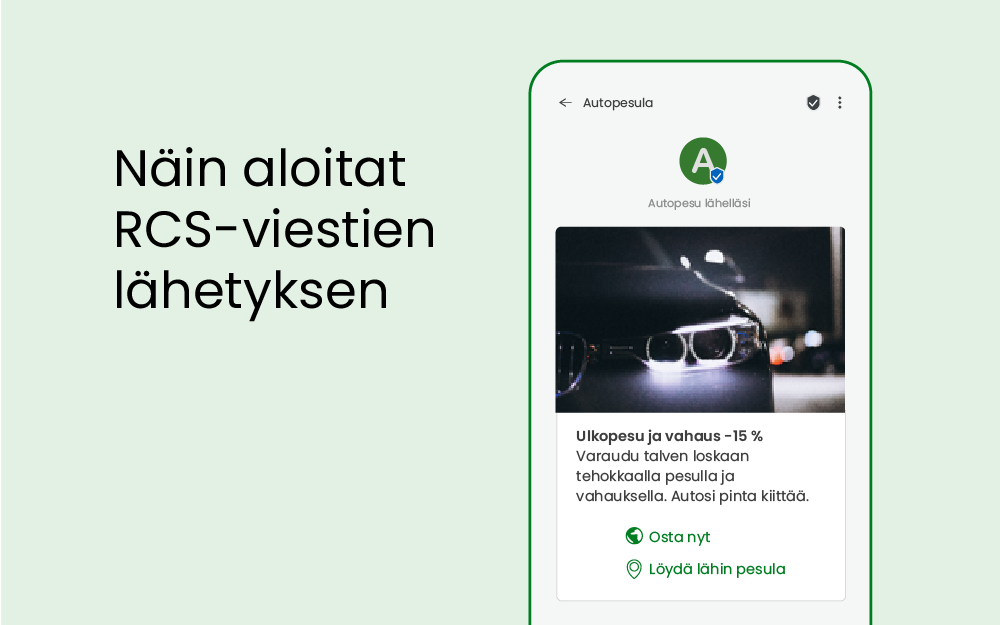
RCS, or Rich Communication Services, is a more sophisticated version of SMS. RCS allows businesses to send interactive and visual content to their customers. RCS provides an app-like experience with images, videos, maps, buttons and trackable links.
RCS allows you to stand out from your competitors and build stronger relationships with your customers, and is suitable for marketing communications, appointment reminders and changes, delivery notifications, enrolment, customer service or authentication.
How to get started
RCS messages can already be sent via Quriiri. However, before sending, you need to create a registered RCS account (RCS agent). A registered account allows you to create a sender profile. Registration increases reliability and allows you to bring your company's brand to the sender of the message.
Sender profile
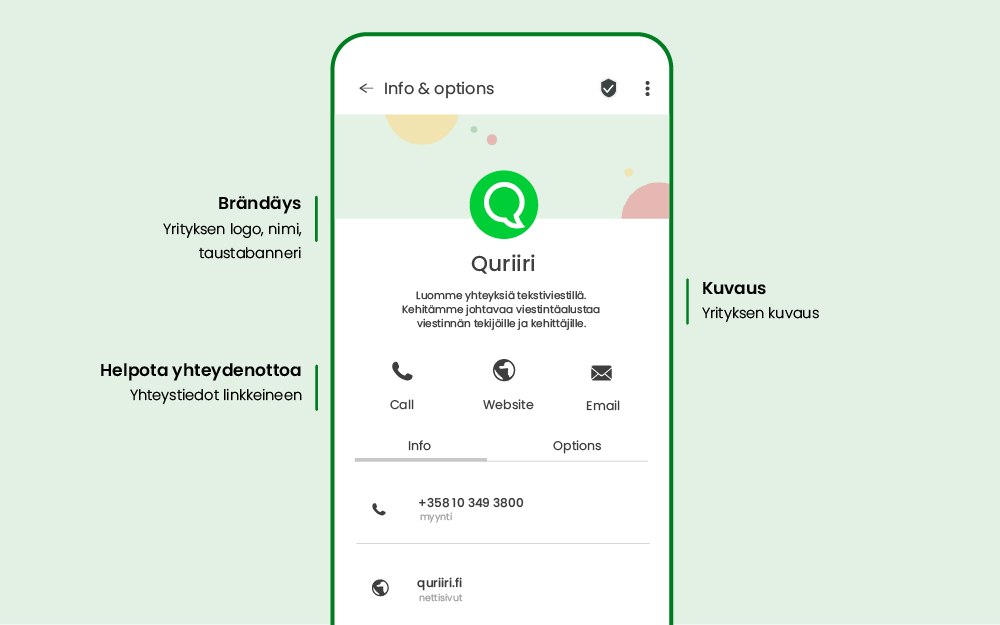
With a sender profile, recipients know who the message is coming from. At Quriiril, we handle the registration and creation of the sender profile on behalf of our customers. For the registration and profile we need the following information:
- Sender name (e.g. company or brand name)
- Brand logo and colours
- Image for background scanner
- Short description of the company
- Contact information, such as a link to the company's website, email address, telephone number and links to the privacy policy.
Once the registration is complete, you will be able to send RCS messages from Quriiri. RCS messages allow you to offer your customers a more personal and interactive experience.
Creating a message
The Quriirin interface allows you to easily create an RCS message. Choose the type of message you want to send (text, image, video, product card or carousel). Add the content and functionality you want to the message. You can save the message for future use or make changes as needed.
Read also our practical tips for creating an RCS campaign.
Test your message
Testing the message is an essential step in creating an RCS campaign. Before you send the message to your customers, it is important to check that everything works correctly. You can do this by sending the message to yourself or a colleague and checking that all the components work as you want them to.
By following these simple steps, you can easily create and send your first RCS message and start engaging with your customers in a new, visual and interactive way. Want to be among the first? Contact us and you can get started quickly.