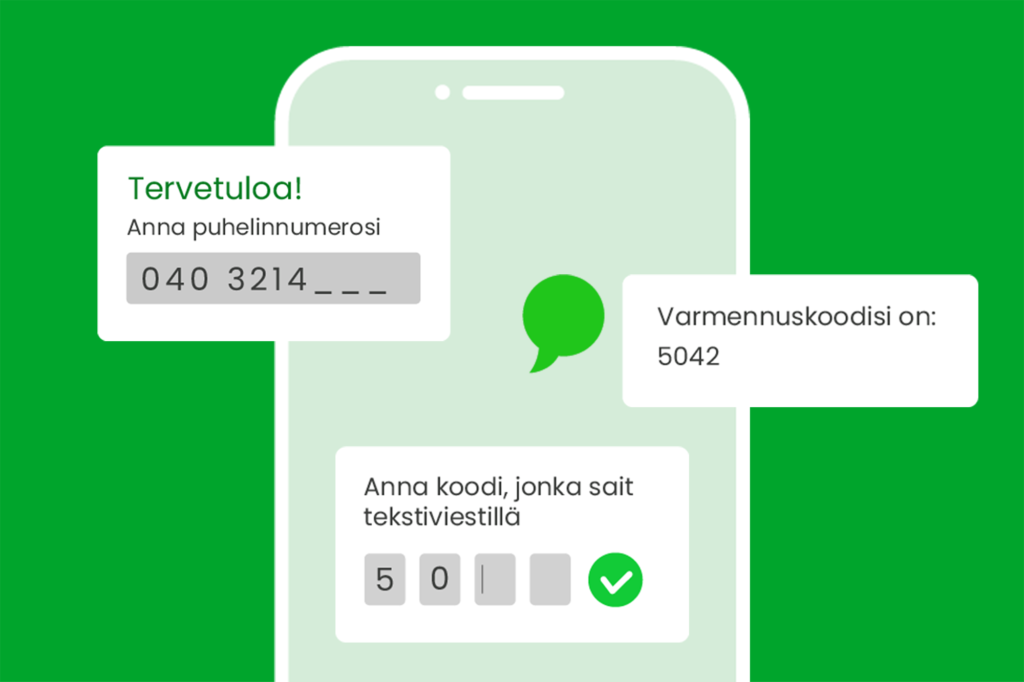
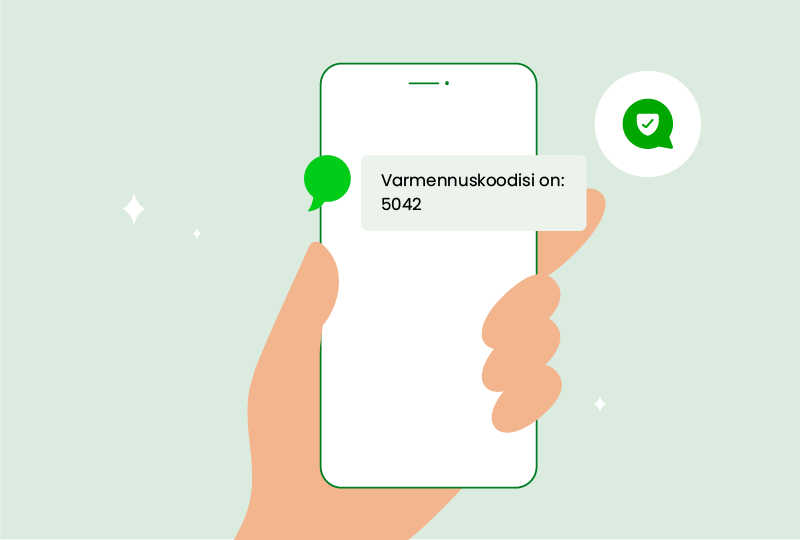
Two-factor authentication (2FA), as the name implies, means that, when logging in, the user provides not only the ID and password but also another security-enhancing criterion, such as a code sent by SMS. Two-factor authentication can be used to add security to the process of logging in to services.
When a user logs in to a service or application, the system usually identifies them by their ID and password. By adding two-factor authentication to the login process, it greatly reduces the risk of hackers or other criminals gaining access to your data. Even if the ID and password fall into the wrong hands, they alone are not enough to log in. When you take care of your customers' privacy and security, you increase their trust and satisfaction with your service.
Two-factor authentication has long been used to protect important and personal information. One common way to increase security is to send a verification code by SMS. The phone is usually carried by the user and is personal. SMS authentication is used by service and application developers because it is a familiar and effortless method for users.
How does two-factor authentication work?
Two-step authentication can be used in several different ways. What they have in common is that in the first stage, the user logs in with the information they know (usually an ID and password) and in the second stage they enter a verification code, for example, sent by SMS. Other ways to add two-step authentication include email verification, biometric identification (fingerprint or facial features), key fobs or authentication applications/devices.
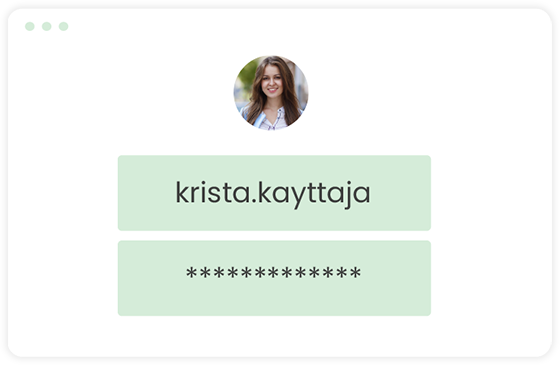
User enters ID and password
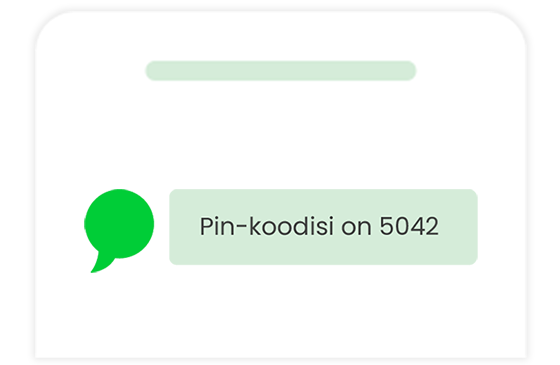
The verification code for the additional verification will be sent by SMS
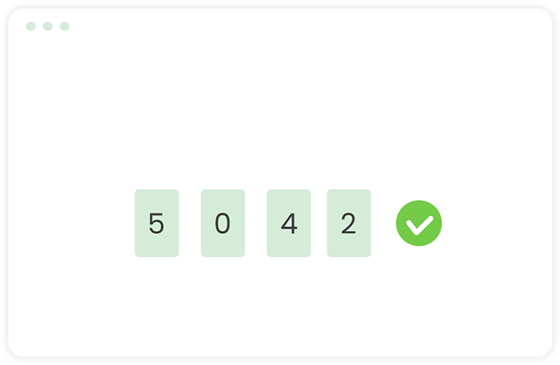
The user can log in
Quriirin SMS alert makes it easy to add two-factor authentication to your service
Quriirin SMS alert The Quriirin user interface allows you to integrate two-factor authentication into your application without any programming. Quriirin's user interface defines the authentication settings, such as the length of the authentication code, the validity period and the text content of the authentication message. The SMS verification is then ready for use.
If the application developer wants to add two-factor authentication to the service, he can use the HTTP interface to send a verification code to the user's phone via SMS. Once the user enters the code into the service, it can also be verified programmatically using the HTTP interface. The generation, validation and expiry of the verification codes is handled automatically by Quriiri.
With a clear and well-documented REST interface, integrating two-factor authentication couldn't be easier. For more information on the new service, please see here and you can also try it for free! Make SMS verification part of your services and increase the security of your users easily.